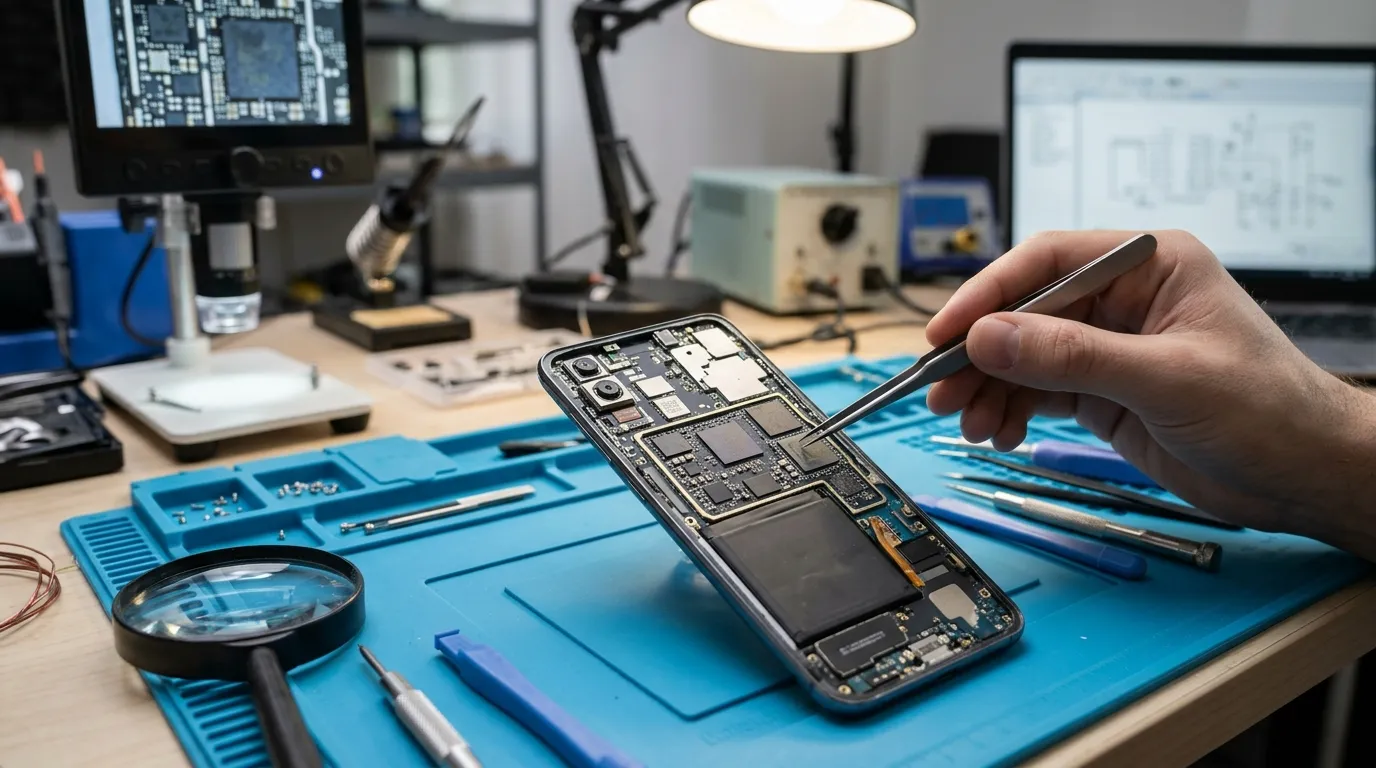
Comparing smartphones often involves sorting through technical terms like gigabytes, nanometer processes, and clock speeds. While marketing materials emphasize impressive numbers, understanding what these specifications actually do in daily use makes it much easier to choose a device that fits your needs without overpaying for unused capacity.
Three core components—RAM, internal storage, and the processor—determine how responsive a phone feels, how many applications it can run simultaneously, and how much media it can hold over several years of ownership. This guide breaks down how each component functions, how they work together, and how to evaluate them when comparing devices.
How Core Smartphone Hardware Works Together
A helpful way to understand smartphone hardware is to compare it to a physical workspace:
- The Processor (SoC) is the worker performing calculations and executing instructions.
- RAM (Random Access Memory) is the desk surface where active projects stay spread out for immediate access.
- Internal Storage is the filing cabinet where applications, photos, and system files remain saved long-term—even when the phone is turned off.
If the processor is slow, tasks take longer to finish. If the RAM is too small, the phone must constantly clear off the "desk" and reload apps from storage. If internal storage fills up, you cannot save new files or install system updates.
What Is RAM and How Much Do You Need?
RAM (Random Access Memory) is high-speed, temporary memory used to hold active applications, browser tabs, and background processes while your device is powered on.
How RAM Affects Daily Use
When you switch from a messaging app to a web browser and back to a camera without the apps restarting, RAM is keeping those states active. When a phone runs low on RAM, the operating system closes background apps to free up space, causing apps to reload from scratch and creating noticeable stuttering during multitasking.
Typical Smartphone RAM Tiers
- 4 GB to 6 GB: Suitable for basic everyday tasks such as calling, messaging, web browsing, and light media streaming. Heavy multitasking or demanding games may cause background apps to reload frequently.
- 8 GB: The practical baseline for most modern smartphones, providing smooth app switching, reliable camera performance, and comfortable headroom for several years of operating system updates.
- 12 GB to 16 GB or more: Designed for power users, mobile gaming, heavy video editing, and on-device artificial intelligence features that load large language or image models directly into memory.
What Is Internal Storage?
Internal storage (typically built on flash memory standards like UFS—Universal Flash Storage) is the permanent space where your phone keeps its operating system, installed apps, photos, videos, and downloaded files.
Usable Space vs. Advertised Capacity
A smartphone advertised with 128 GB of storage does not offer the full 128 GB to the user. The operating system, pre-installed system apps, and formatting overhead typically occupy 15 GB to 25 GB out of the box.
Choosing the Right Storage Capacity
- 128 GB: Appropriate for users who primarily stream music and video, rely on cloud photo backups, and install a moderate number of apps.
- 256 GB: A versatile standard for most buyers, offering room for high-resolution photos, 4K video recordings, offline playlists, and large apps without frequent file cleanup.
- 512 GB to 1 TB: Useful for content creators, frequent travelers storing offline media, or users who record extensive 4K video and plan to keep their phone for four or more years.
Note: Most modern flagship smartphones no longer include microSD card slots for expandable storage, making initial storage selection particularly important.
What Is a Smartphone Processor (SoC)?
Unlike desktop computers that use separate chips for graphics and networking, smartphones rely on a System on a Chip (SoC). An SoC integrates multiple components onto a single piece of silicon:
- CPU (Central Processing Unit): Handles general tasks, app launches, web browsing, and operating system responsiveness.
- GPU (Graphics Processing Unit): Renders user interface animations, 3D mobile games, and high-resolution video playback.
- NPU (Neural Processing Unit): Accelerates machine-learning tasks such as camera image processing, voice recognition, and on-device translation.
- ISP (Image Signal Processor) and Modem: Manage camera sensor data and 5G, Wi-Fi, and Bluetooth connectivity.
How to Evaluate Processor Specs
- Generation and Tier Matter Most: A newer mid-range chip often outperforms a flagship processor from three or four years earlier in battery efficiency and AI processing.
- Nanometer (nm) Process Size: Measurements like 4 nm or 3 nm refer to transistor density. Smaller nanometer numbers generally indicate newer manufacturing technology that delivers better performance while consuming less battery power and generating less heat.
- Core Count and Clock Speed (GHz): Higher clock speeds and multi-core designs help with demanding workloads, though real-world speed depends heavily on chip architecture and thermal cooling rather than raw gigahertz figures alone.
Quick Comparison: RAM vs. Storage vs. Processor
| Specification | Primary Role | Impact When Too Low | Typical Modern Sweet Spot |
|---|---|---|---|
| RAM | Holds active apps and background processes in temporary memory. | Apps reload constantly; multitasking feels sluggish. | 8 GB – 12 GB |
| Storage | Permanently saves the OS, apps, photos, videos, and files. | Cannot install updates, download apps, or capture new photos. | 256 GB |
| Processor (SoC) | Executes calculations, graphics, camera processing, and AI tasks. | Slow app launches, choppy gaming, and faster battery drain. | Current or recent-generation 4 nm / 3 nm chip |
Practical Guidance: How to Match Specs to Your Usage
Rather than buying the highest specification tier available, match hardware to how you actually use your device:
- Everyday Communication and Social Media: Look for 8 GB of RAM, 128 GB or 256 GB of storage, and a recent mid-range processor. This combination handles messaging, navigation, streaming, and photography smoothly.
- Mobile Photography and Video Recording: Prioritize 256 GB or 512 GB of storage alongside a processor with a strong Image Signal Processor (ISP), as high-resolution photos and 4K video files consume storage rapidly.
- Mobile Gaming and Heavy Multitasking: Prioritize a flagship or upper-mid-range processor (strong GPU), 12 GB or more of RAM, and efficient thermal dissipation to prevent frame drops during extended sessions.
- Long-Term Ownership (4+ Years): Operating systems and apps grow larger and more memory-intensive over time. Choosing 12 GB of RAM and 256 GB of storage provides valuable longevity headroom.
Frequently Asked Questions (FAQ)
Is RAM or storage more important on a smartphone? Both serve distinct functions, and running short on either degrades the experience. Insufficient RAM slows down multitasking and causes apps to reload, while insufficient storage prevents you from saving photos or installing critical security updates. For most users, aiming for at least 8 GB of RAM and 256 GB of storage provides a balanced foundation.
Does virtual RAM (RAM expansion) work as well as physical RAM? Many smartphones include a feature that allocates a portion of internal storage as "virtual RAM." While this can help keep a few extra lightweight apps paused in the background, internal storage is significantly slower than dedicated physical RAM, so virtual RAM does not provide the same speed or gaming performance.
Do more megapixels or processor cores always mean a better phone? No. Hardware performance depends on architecture, software optimization, and component quality rather than headline numbers alone. A well-optimized 8-core processor from a recent generation will easily outperform an older 8-core chip with a higher clock speed.
Can you upgrade smartphone RAM or storage after buying the phone? Physical RAM and internal storage are soldered directly onto the smartphone's main circuit board and cannot be upgraded after purchase. While a small number of budget devices still offer microSD card slots for storing media files, cloud storage services are the primary way to expand space on most modern phones.
Why does a smartphone slow down as its storage gets nearly full? Flash memory requires free empty blocks to read, write, and manage temporary cache files efficiently. When storage reaches roughly 90% to 95% capacity, file management slows down, which can lead to general system lag and failed app updates.
Conclusion
Evaluating smartphone specifications becomes straightforward once you separate temporary memory, permanent storage, and processing power. The processor drives overall speed and efficiency, RAM keeps active apps running smoothly side by side, and internal storage houses your operating system, apps, and personal media. Focusing on balanced, current-generation hardware tailored to your daily habits ensures reliable performance without paying for unnecessary excess capacity.
Sources & Further Reference
- JEDEC Solid State Technology Association – Universal Flash Storage (UFS) Standards
- IEEE Spectrum – Understanding System-on-Chip (SoC) Architecture in Mobile Devices
- National Institute of Standards and Technology (NIST) – Guidelines on Managing the Security of Mobile Devices in the Enterprise
- Federal Trade Commission (FTC) – Buying and Maintaining a Smartphone
- Consumer Reports – Smartphone Buying Guide: Key Specifications Explained
Disclaimer: This article is intended for general educational and informational purposes only and does not constitute purchasing or technical advice. Actual device performance varies depending on software optimization, thermal design, and individual usage patterns.